
 English
 Add to Chrome
 Add to Edge
 Add to Firefox
Scan the open page with Image Downloader Pro. In the filters, keep only JPEG or PNG selected, then choose the matching images and download them. JPG and JPEG are two common filename extensions for the same image format.
Find JPEG photos or PNG graphics on the page
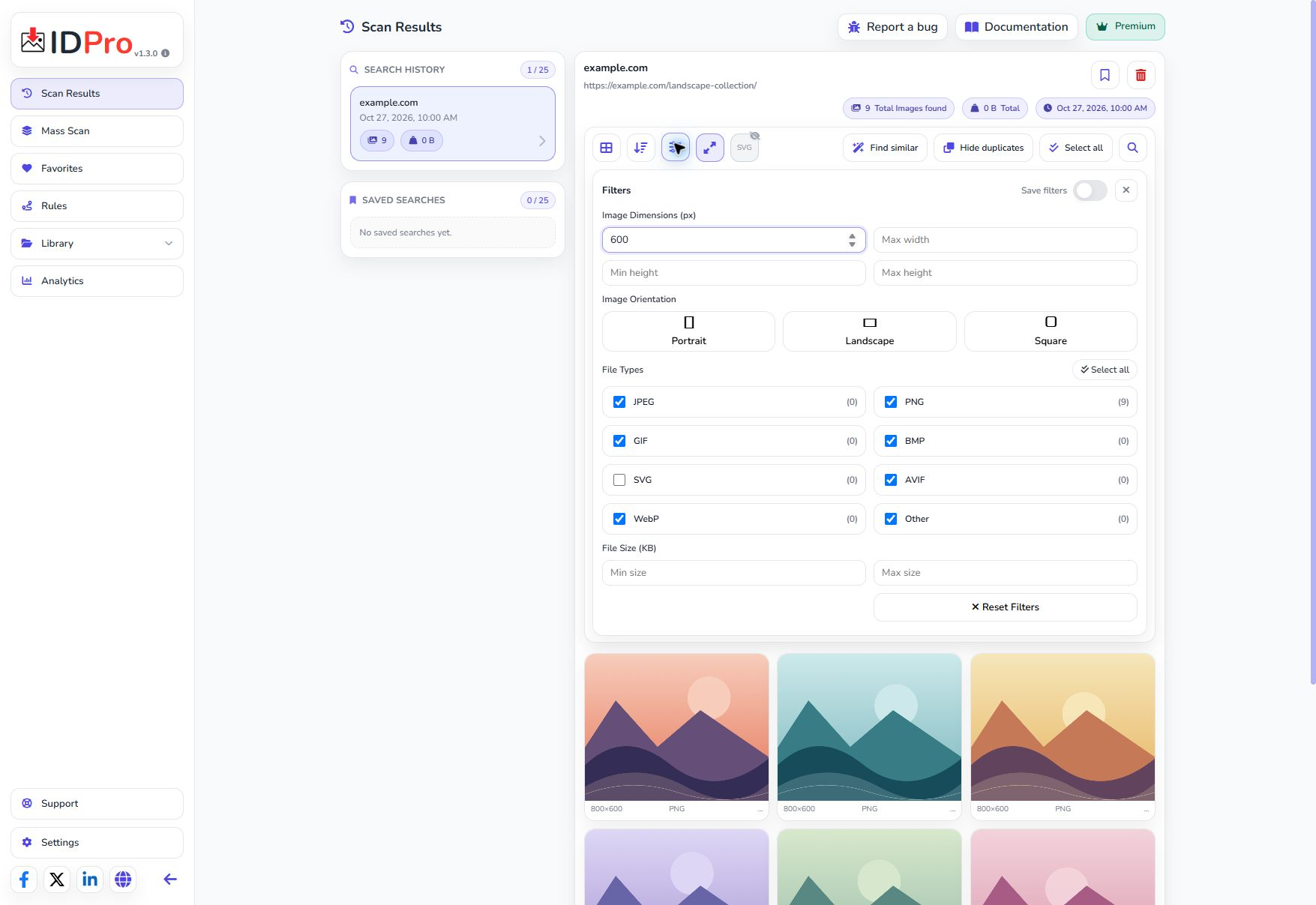
Open the page containing the pictures, load the gallery, and start a scan. Open the filters and look at the counts beside the file types. For JPG photos, leave JPEG checked. For PNG graphics, leave PNG checked. Keep both if you want both formats in the same batch.
Filter by dimensions to leave out thumbnails and icons
A PNG filter can show interface icons alongside large graphics. For example, if the smallest graphic you need is 800 pixels wide, set the minimum width to 800. Check a few previews before selecting all the visible matches. Lower the threshold if it also hides a smaller image you wanted.
The width and height of an image are measured in pixels. The file size shows how much storage space it needs. To find large photos for a layout, first compare their width and height. Images with the same dimensions can take up different amounts of storage space.
Why a gallery may show WebP and no JPG files
A website can serve WebP or AVIF to your browser even when the photo looks like a familiar JPEG. Remove the format filter to see what the page supplied. If the site offers a separate download of the original, check that link for another format. Selecting JPEG in the filters does not convert a WebP file into a JPEG.