
 English
 Add to Chrome
 Add to Edge
 Add to Firefox
Open an Amazon listing, load its product gallery, and run Image Downloader Pro. Use dimensions and previews to separate product photos from small thumbnails, then download your selection. Images for another color or style may only appear after you select that variant.
How to download the images
Open the product and its gallery
Visit the exact Amazon listing you want. Click the main product photo and browse the gallery so the larger views load. Select another color or style if you also want its pictures.
Scan the loaded page
Open Image Downloader Pro and click Search images. The extension looks for image addresses available on the page, including responsive variants and background images.
Find the larger product photos
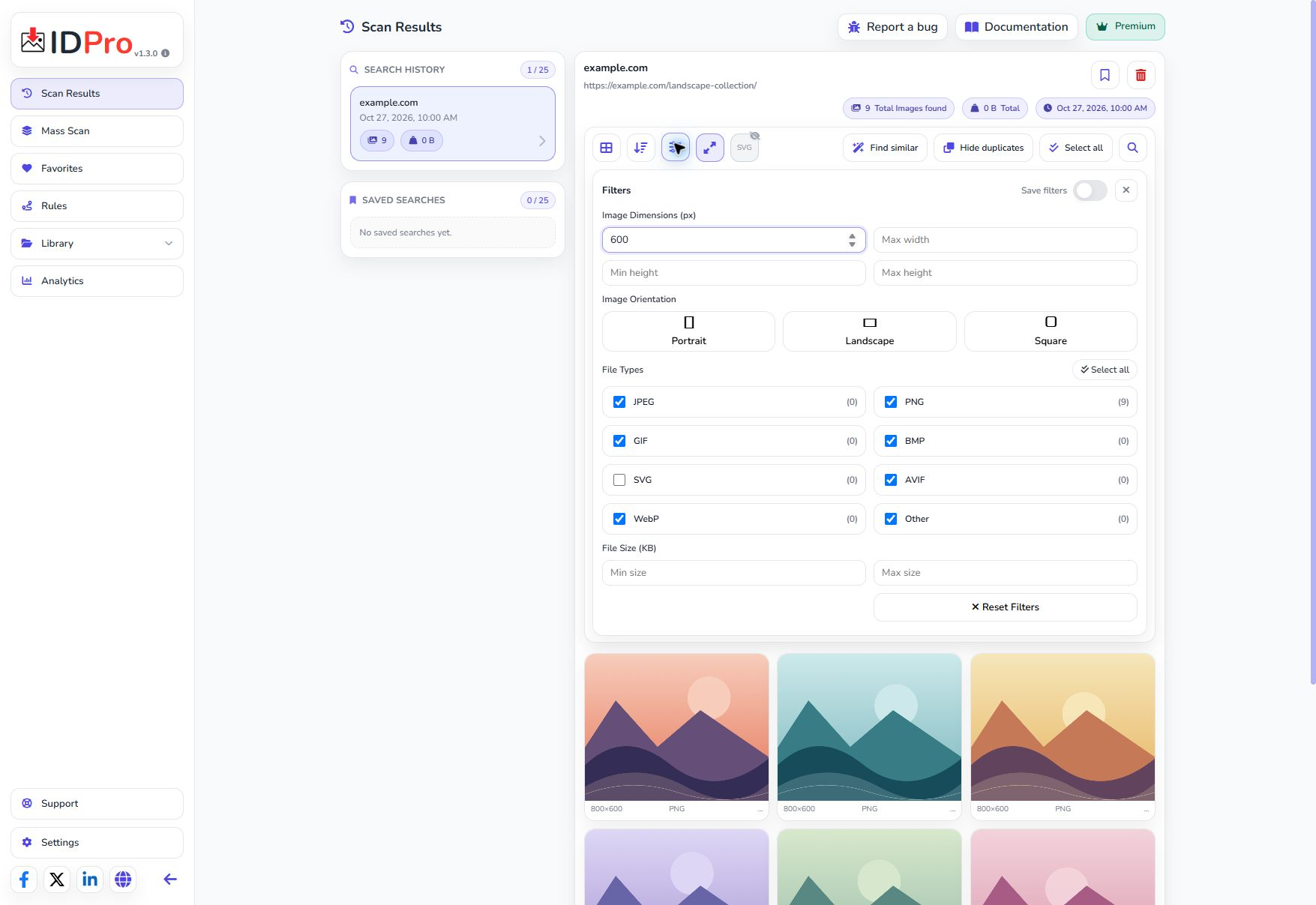
Open Filters and set a minimum width or height to hide tiny thumbnails, badges, and icons. Check the preview and pixel dimensions instead of judging quality from the small gallery tile.
Choose the photos to save
Select the main image, alternate angles, detail shots, and other relevant pictures. Use Select all only after filtering, since Amazon pages can also contain recommendations and unrelated graphics.
Download the selected images
Click Download Selected to save separate files, or choose Download selected as ZIP from the additional menu to keep the selection in one archive.
How to get full-size Amazon images instead of thumbnails
The tiny gallery preview and the larger product photo can have different addresses. Open the main image first and let it finish loading before scanning. IDP normally keeps the best available version of matching images. Enable Show all image variants in Settings if you want to compare all detected sizes.
Downloading images from several Amazon products
For several listings, open the products in separate tabs and use Mass Scan to combine the selected tabs into one result. Visit the galleries and variants you need first. A listing scan cannot reveal photos that Amazon has not exposed to that page or session.
Frequently asked questions
Can I download all images from an Amazon listing at once?
You can select and download the product images that IDP finds on the loaded listing. Browse the gallery and relevant variants first; photos that have not been exposed on the page may not be included.
Why do I get icons and recommendation images too?
An Amazon listing contains more than product photography. A minimum image size and a quick preview help remove unrelated page graphics before you download.
Why does an Amazon photo download as AVIF or WebP?
Amazon can serve a modern image format even when part of the address resembles a JPG filename. The actual response determines the file format; a different extension does not mean a lower-resolution photo.