
 English
 Add to Chrome
 Add to Edge
 Add to Firefox
Use Flickr’s own download options when the photo or album provides them. To collect images from loaded Flickr pages, scan with Image Downloader Pro, compare dimensions, and select the photos you want. Available sizes depend on what Flickr and the photo owner expose.
How to download the images
Open the photos or album
Visit the Flickr album or photo pages you need. Check for Flickr’s built-in download options; these are useful when an original or an album download is available.
Load the larger photo views
Open the individual photos and let them finish loading. An album grid can use smaller preview files instead of the largest available versions.
Scan with Image Downloader Pro
Click Search images on the page you want to scan. For several photo pages, open them in tabs and combine the selected tabs with Mass Scan.
Compare sizes and select photos
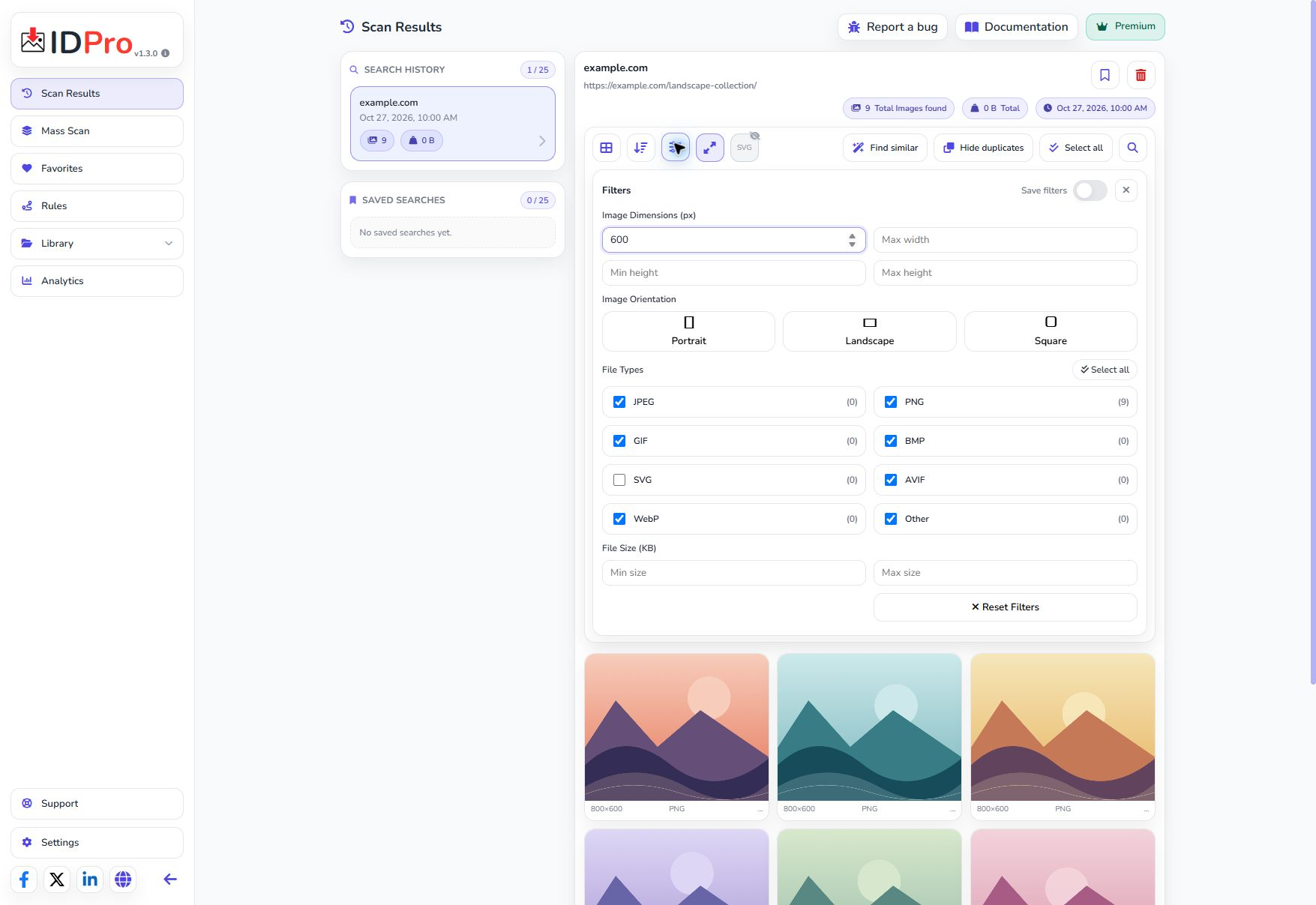
Review pixel dimensions, preview the files, and use Filters to hide thumbnails and interface graphics. Select the versions you want to keep.
Download the selected photos
Use Download Selected to save individual files, or Download selected as ZIP to download the selected pictures as one archive.
Getting original-size Flickr photos
The size visible in an album grid is not necessarily the original upload. Check the photo page and Flickr’s available download sizes. An IDP scan can include larger versions when their addresses are exposed, but it cannot recreate an original that the page does not provide.
Why an album scan may not contain every photo
Albums can load images gradually, and previews can be smaller than the photo-page versions. Load more of the album or scan the relevant photo tabs. If downloads are restricted, IDP is not a way to unlock a private album or bypass an owner’s download settings.
Frequently asked questions
Can I bulk download Flickr photos with IDP?
You can download multiple detected images from loaded Flickr pages. For a complete album or original files, also check the download options Flickr makes available.
Why did I only get small Flickr images?
The page may expose album thumbnails rather than larger photo files. Open the individual photo pages, load larger views, and scan again.
Can IDP recover a private or deleted Flickr photo?
No. It does not unlock private content, restore deleted photos, or guarantee access to an original that is not available in your session.