
 English
 Add to Chrome
 Add to Edge
 Add to Firefox
How to Download CSS Background Images from a Website
Load the relevant page content, scan it with Image Downloader Pro and review the detected background-image candidates. Inspect previews, dimensions and Source details before downloading. If the expected image is missing, load the relevant page state and scan again.
Recognize a background file rather than a visual effect
A CSS background can reference an image file, but it can also be a gradient or another generated effect with no separate image to download. Cropping, overlays and several background layers can also make a source file look different from the finished page.
Follow the workflow
- Open the page and scroll to the background you want. Let the relevant section or gallery state finish loading.
- Open Image Downloader Pro and run the page scan. Use the optional scrolling scan when the images load as the page moves.
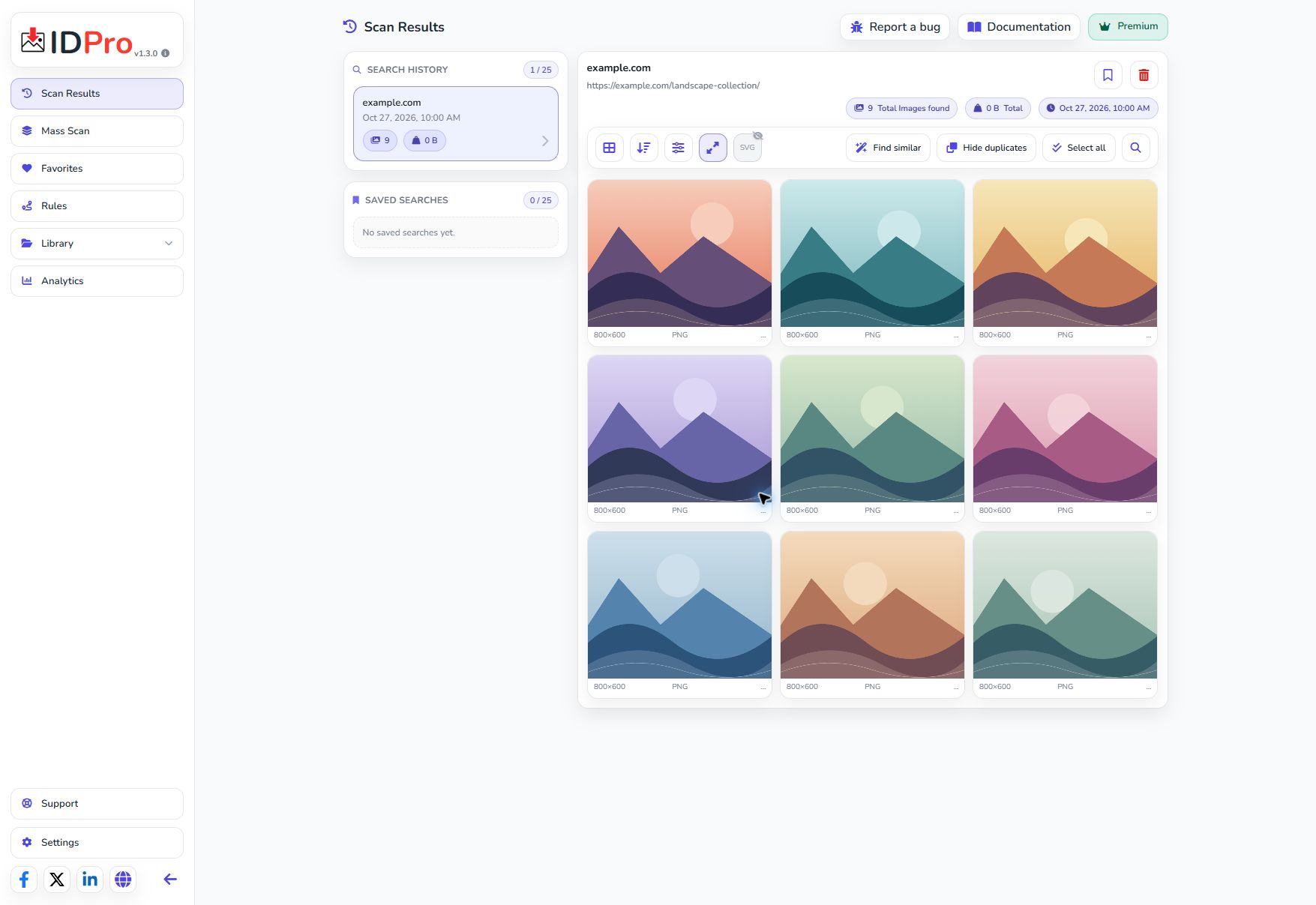
- Review the candidates in Scan Results. Use dimensions and file-type filters to remove small interface assets.
- Open a preview and inspect Source details where available. Compare the source image with the visible page background.
- Select the intended file and download it, then open the saved image to check its dimensions and content.
Check the result
A downloaded background file may not include text, color overlays or the crop applied by CSS. That is expected: the file and the page composition are different things. Use a screenshot only when you need the displayed composition rather than the source image.
Understand the limits
An extension cannot invent an original file for a CSS gradient, a canvas drawing or content that was never exposed to the browser. Iframes, temporary URLs and access rules can also limit discovery. Download only images you are entitled to use.
Read the documentation
Frequently asked questions
Why does the saved background look different from the page?
CSS can crop, scale, tint or layer the image. The downloaded source file does not necessarily contain those page-level effects.
Can every gradient be downloaded as an image?
No. A CSS-generated gradient may have no separate image file. Capturing the displayed result is a different task.