
 English
 Add to Chrome
 Add to Edge
 Add to Firefox
How to Find Which Pages Use the Same Image
Run Scan entire website, open Image map and choose Reuse. Inspect the relationships between image references and source pages, then verify important uses on the pages themselves. Use Coverage and Issues to understand the scan context around those findings.
Define what you mean by the same image
The same image URL appearing on several pages is different from several URLs showing similar pictures. Responsive sizes, crops and CDN parameters can create different references for one visual. An image-reuse view is not automatically a visual-duplicate or copyright-detection tool.
Follow the workflow
- Open Dashboard → Mass Scan → Scan entire website and scan the website you want to investigate.
- Review scan progress and errors so you know which pages were included and which were not.
- Open Image map → Reuse and explore the image and page relationships shown for the collected data.
- Inspect the source information for an image of interest and open the relevant pages to confirm how it is used.
- Record or export the relevant findings before changing website references, then verify the affected pages after the change.
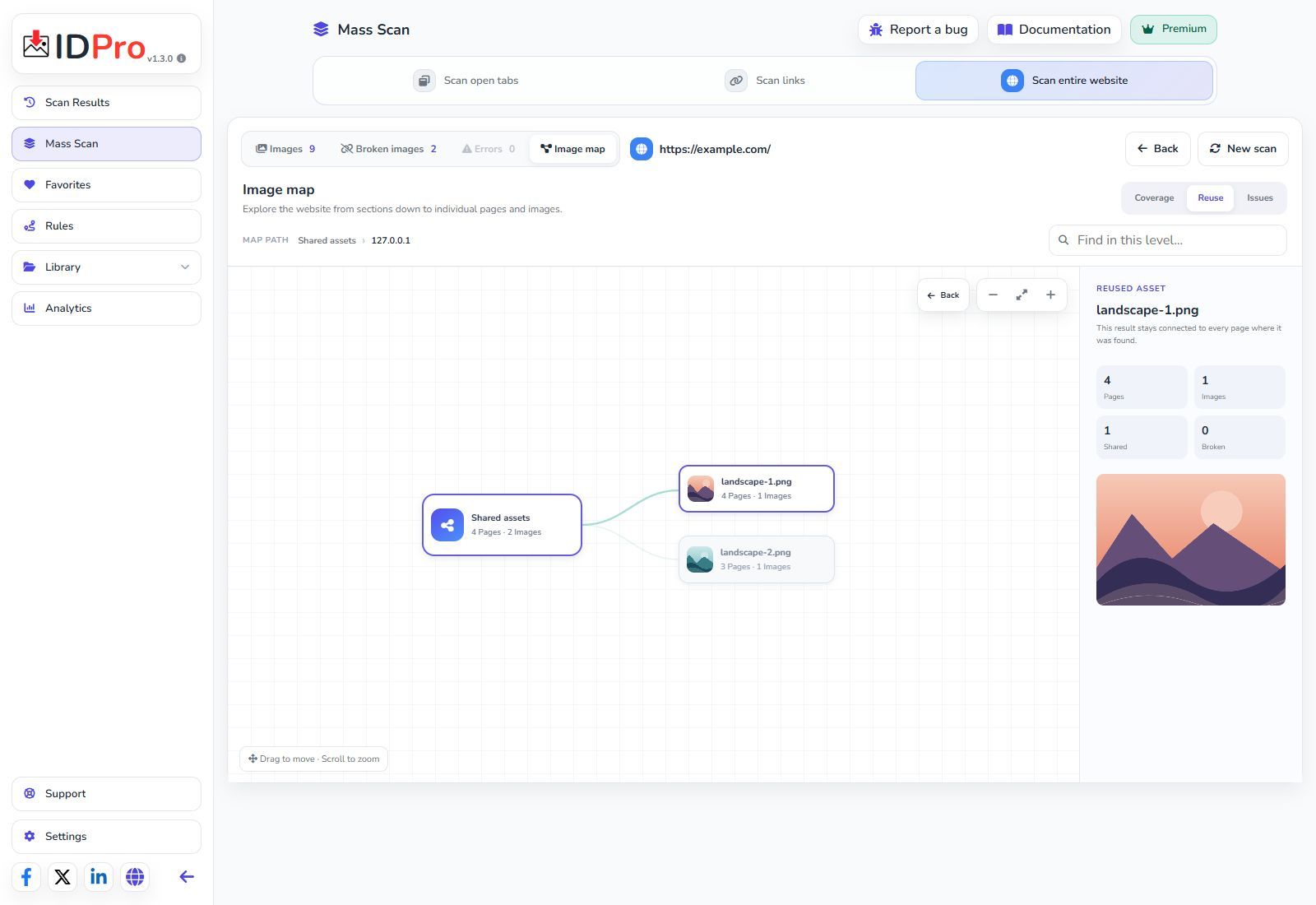
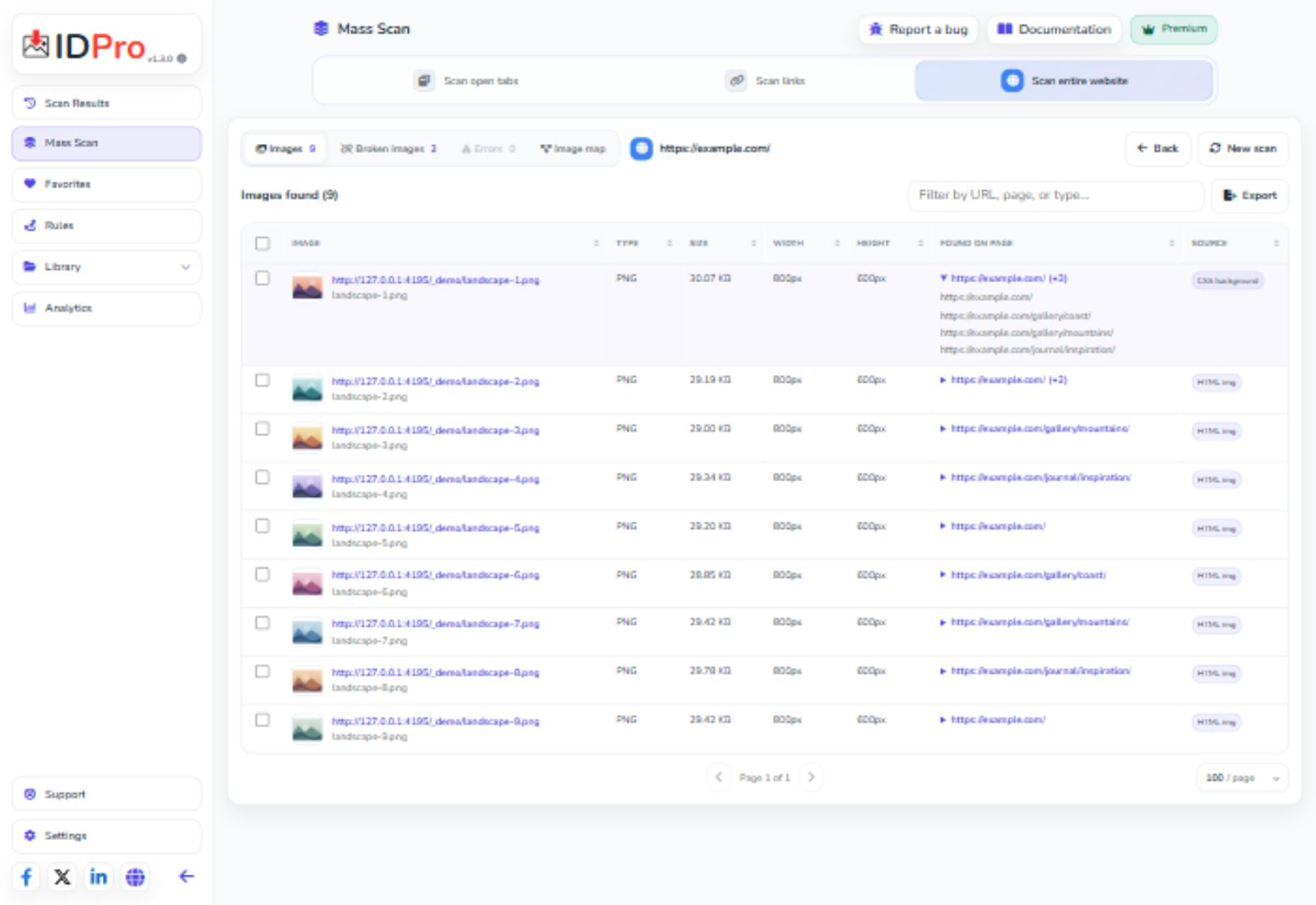
Check the result
Check whether the image is content, a logo, a shared banner or another interface asset. Repetition can be intentional. When choosing a replacement, compare the displayed role, crop and dimensions rather than assuming every occurrence needs the same treatment.
Understand the limits
The map describes what the scan discovered, not every possible reference on the server or in private content. Images loaded only after interaction may be absent. Different URLs can still contain identical visual content, and one URL can deliver different content over time.
Read the documentation
Frequently asked questions
Is an image used on many pages necessarily a duplicate problem?
No. Shared logos, icons and banners often belong on many pages. Judge the image by its role and the website structure.
Can I use the map as a complete list before deleting a file?
Treat it as evidence from the scanned scope, not a guarantee. Check your content system and other references before deleting an asset.